Client portal

Give clients one public place for support.

Collect client requests, coordinate follow-up, and publish shared information in one public portal.

Client requestsLinked tasksShared docsBooking links
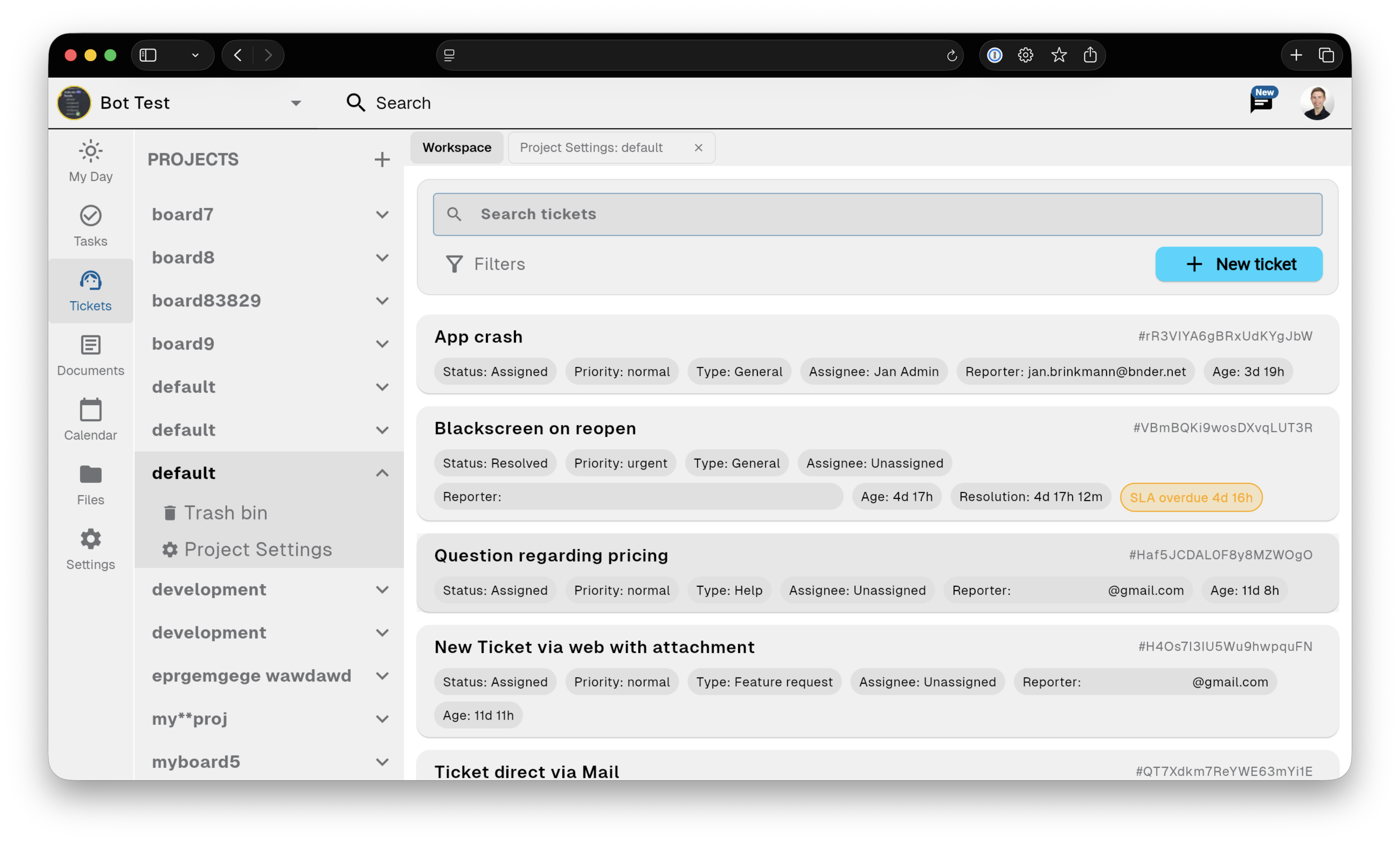
Bnder ticket workflow screenshot

Ticket intake

Request form

Collect client requests, coordinate follow-up, and publish shared information in one public portal.

Request form

Clients submit a private request with email verification and do not need workspace membership.

Public help docs

Publish selected documents publicly while tickets, internal notes, and product tasks stay inside the workspace.

Booking links

Publish a booking link so clients can choose an available appointment without joining the workspace.

Linked product task

Linked product task

Keep the original customer, conversation, and reason attached.

  • Keep the original customer, conversation, and reason attached.
  • Linked tasks carry customer context into delivery.
  • Resolved issues become reusable help documentation.

Support portal

Small-team setup

Collect client requests, coordinate follow-up, and publish shared information in one public portal.

Small-team setup

Clients see the public Pages, request form, their private ticket thread, and published booking links—not the internal workspace.

Connected context

Replies remain attached to the request while internal work continues in linked tasks.

Public-first access

Public documents need no account. Private ticket access is verified for the reporter.

Give clients one public place for support.